
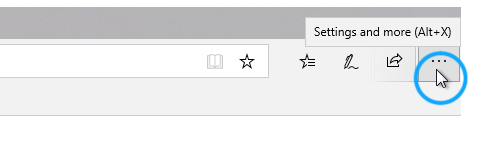
- Select “Settings and more” using the 3 dot menu in the top right of the browser.
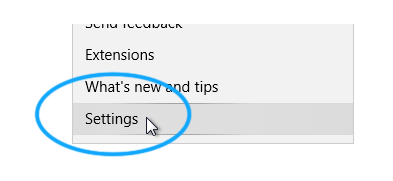
- Select the “Settings” menu item.
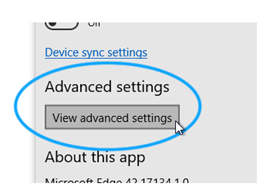
- Scroll down and click “View Advanced Settings”
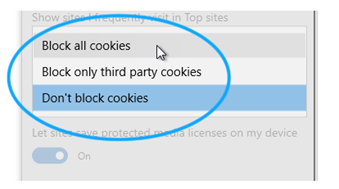
- Scroll to the bottom and find the “Cookies” section. Click the dropdown to see the option and select your option.
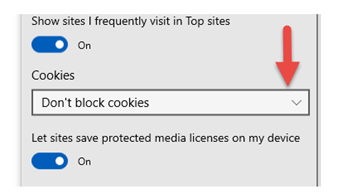
- We recommend the middle ground selection of “Block only third party cookies.”
Comments
0 comments
Article is closed for comments.